> ## Documentation Index
> Fetch the complete documentation index at: https://docs.stopbars.com/llms.txt
> Use this file to discover all available pages before exploring further.
# INTAS
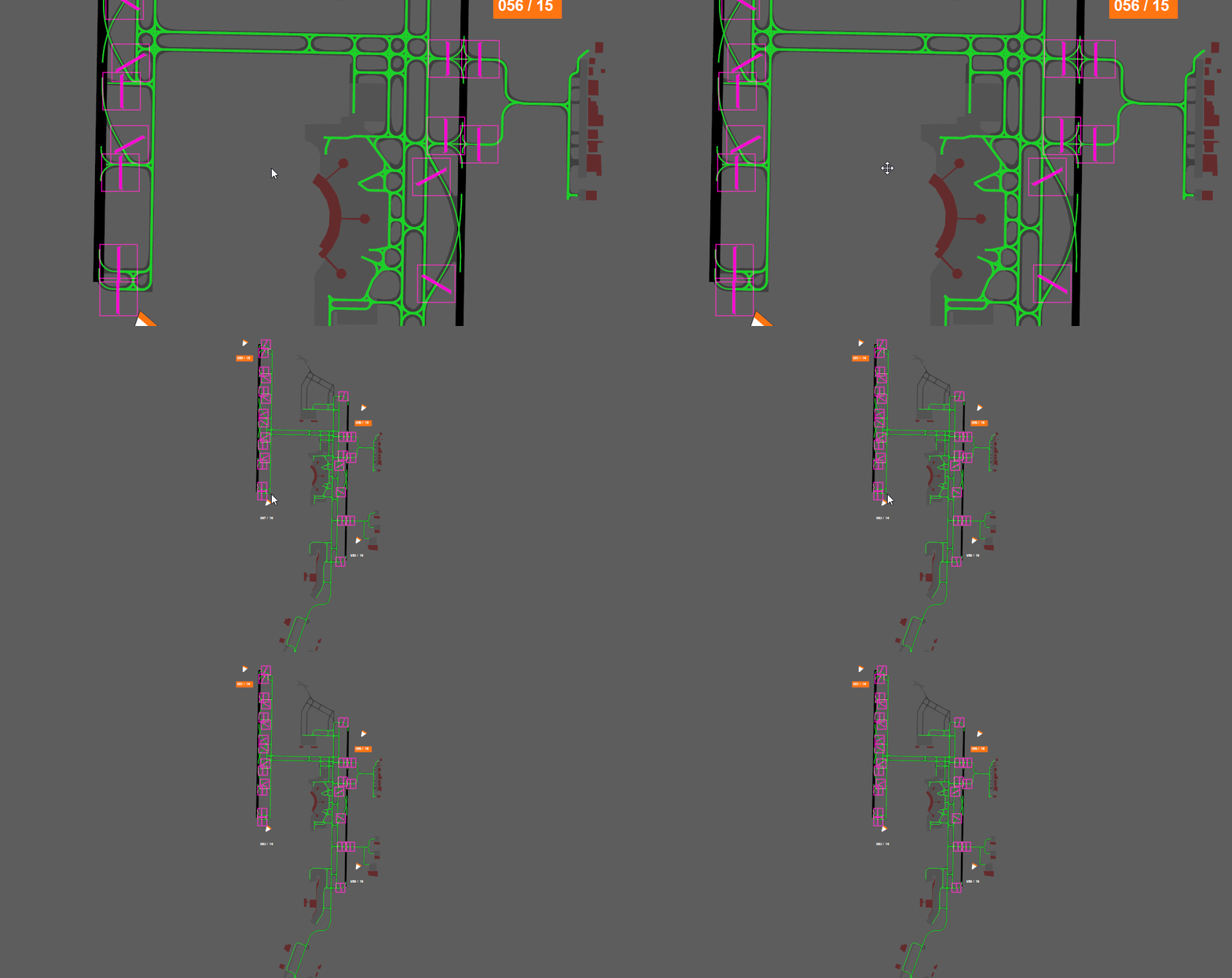
The INTAS profile type provides an advanced airport lighting management interface with features like reactivation timers, lead-on light animations, and windsock indications. This guide covers everything you need to know to effectively operate airport lighting using the INTAS interface.
 ## Window Navigation
### Zooming
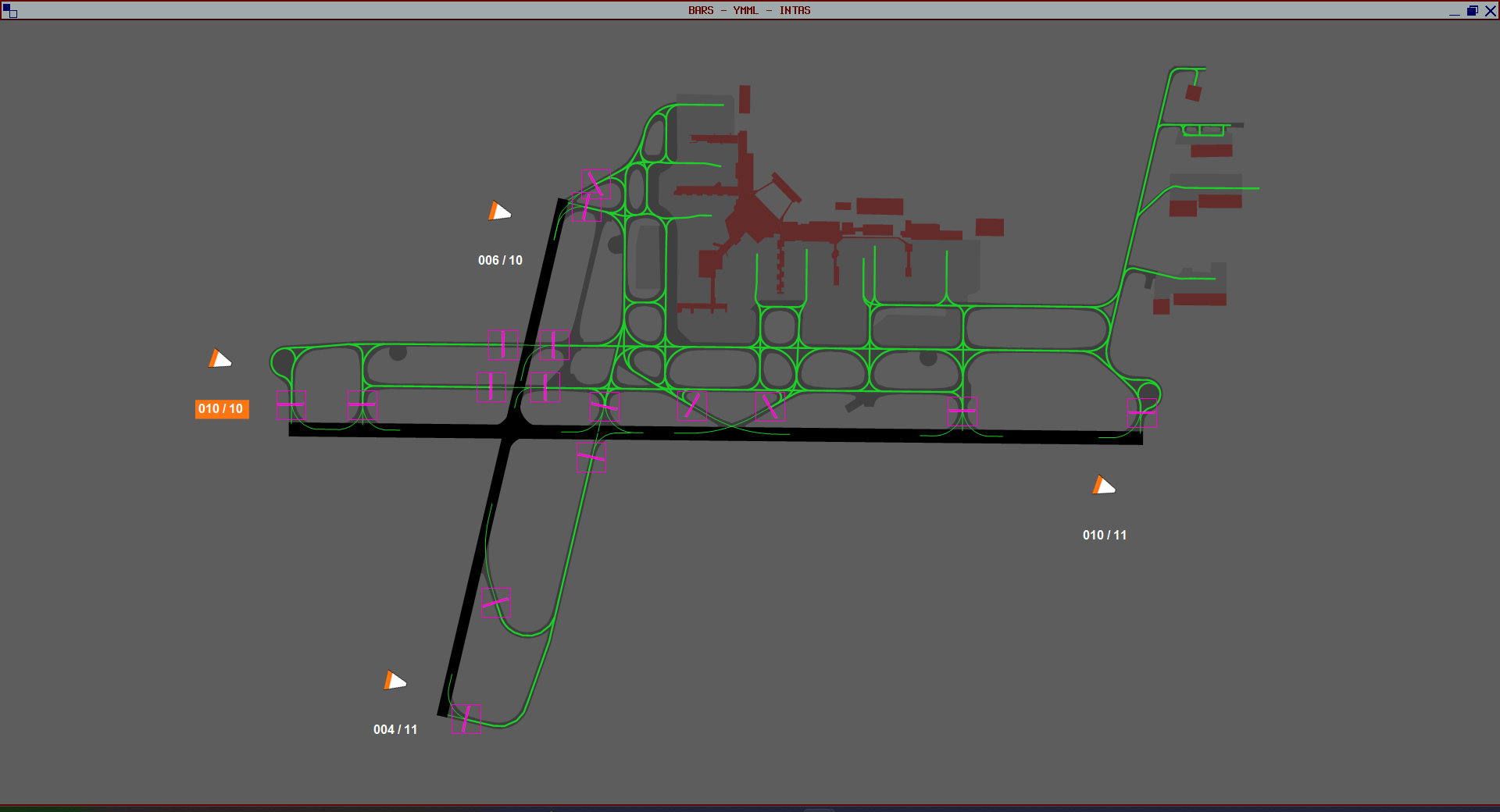
Use your **mouse scroll wheel** to zoom in and out of the airport layout.
## Window Navigation
### Zooming
Use your **mouse scroll wheel** to zoom in and out of the airport layout.
 ### Panning
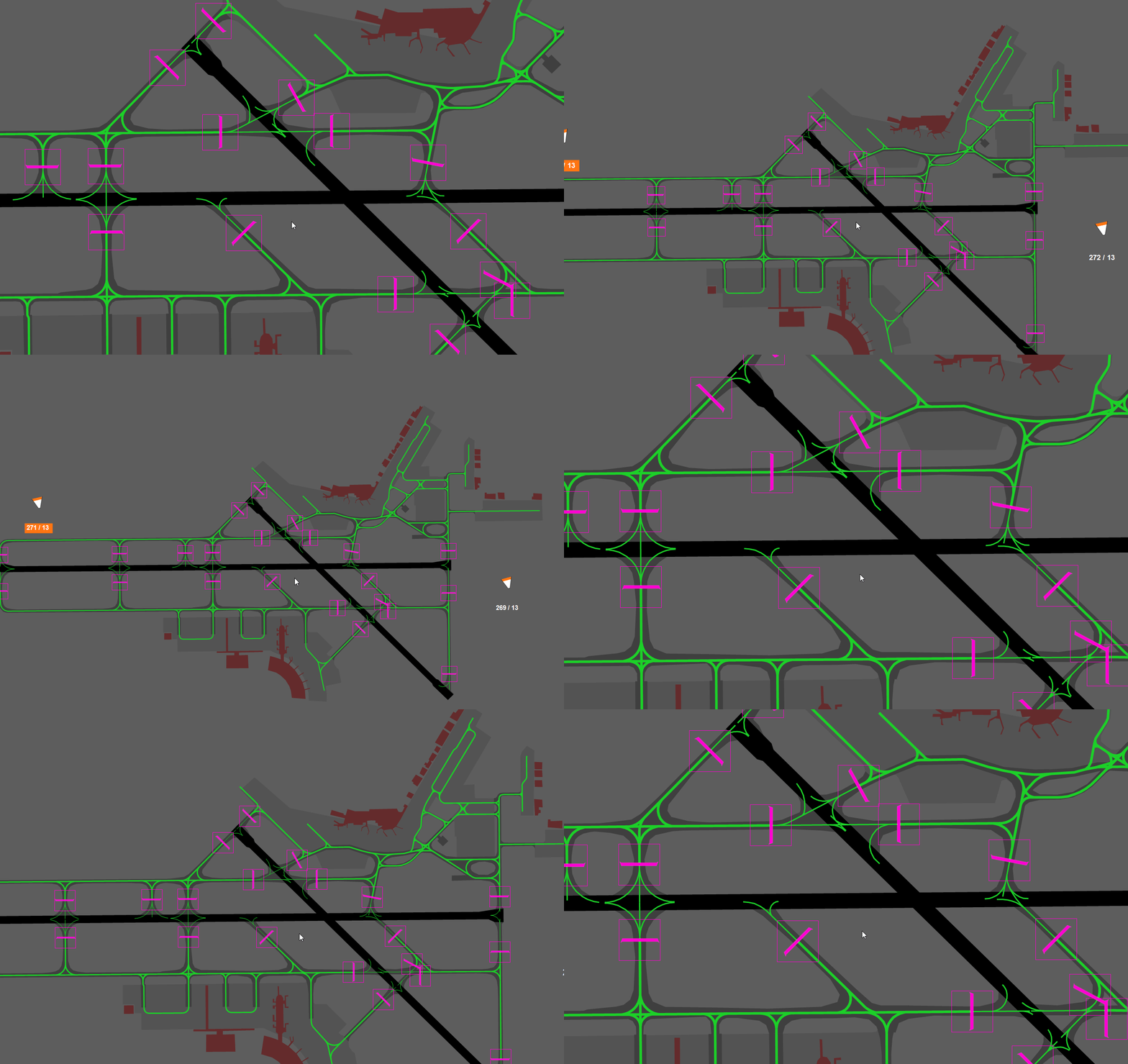
Hold down your **middle mouse button** and drag to move around the window.
### Panning
Hold down your **middle mouse button** and drag to move around the window.
 ### Reset View
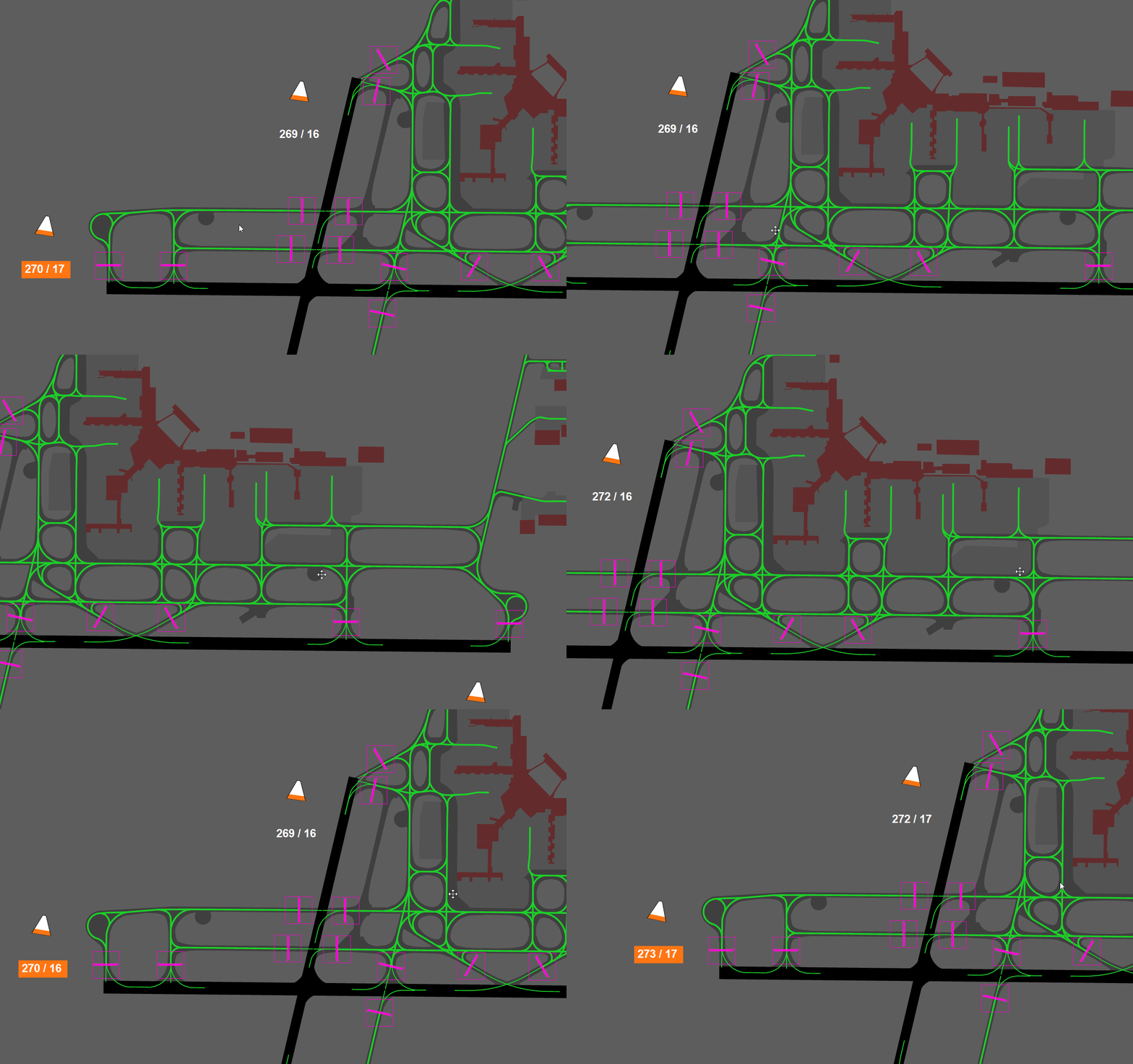
Double click your **middle mouse button** to reset the view to the default zoom and position.
### Reset View
Double click your **middle mouse button** to reset the view to the default zoom and position.
 ## Stopbar Controls
### Standard Toggle (Left Click)
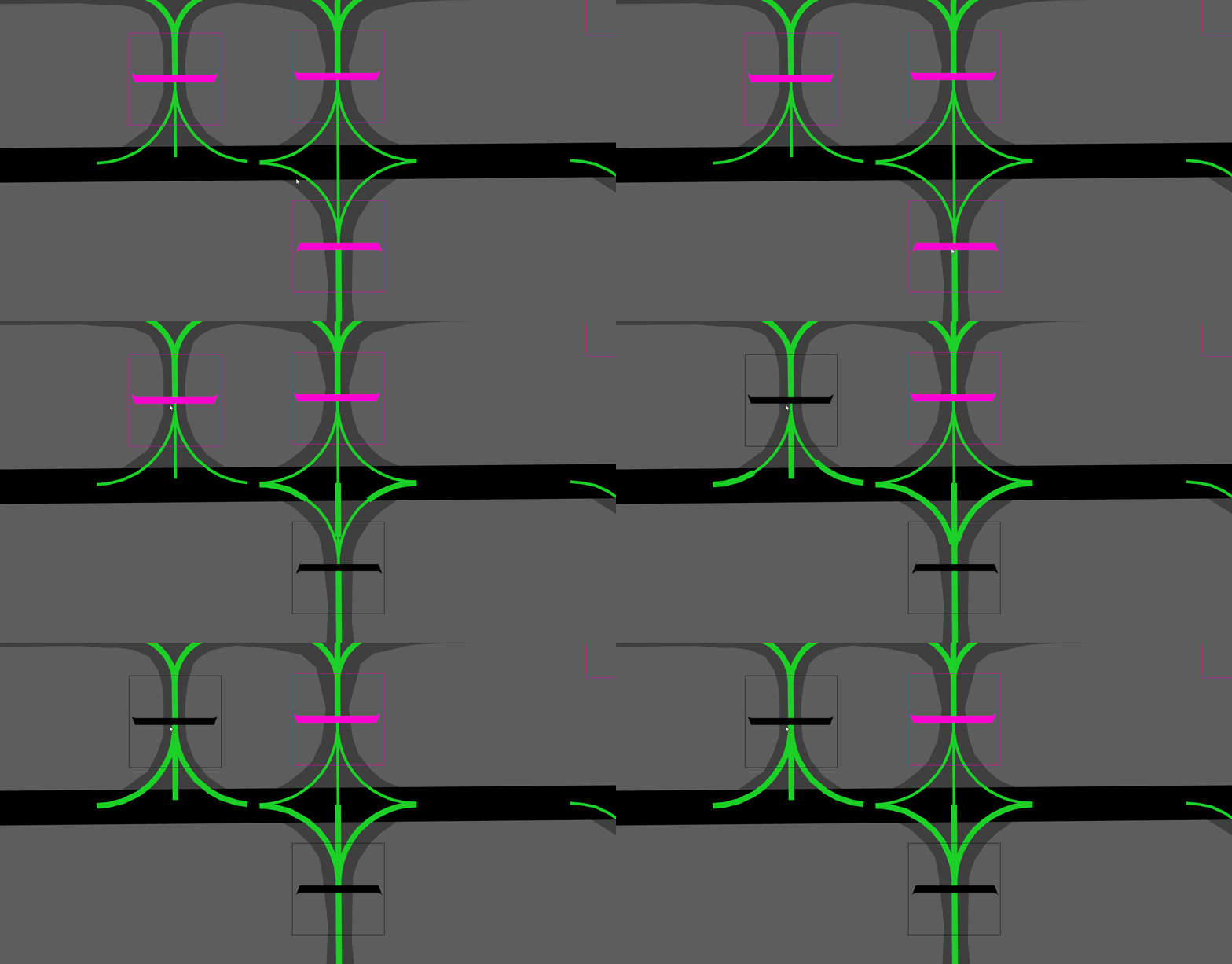
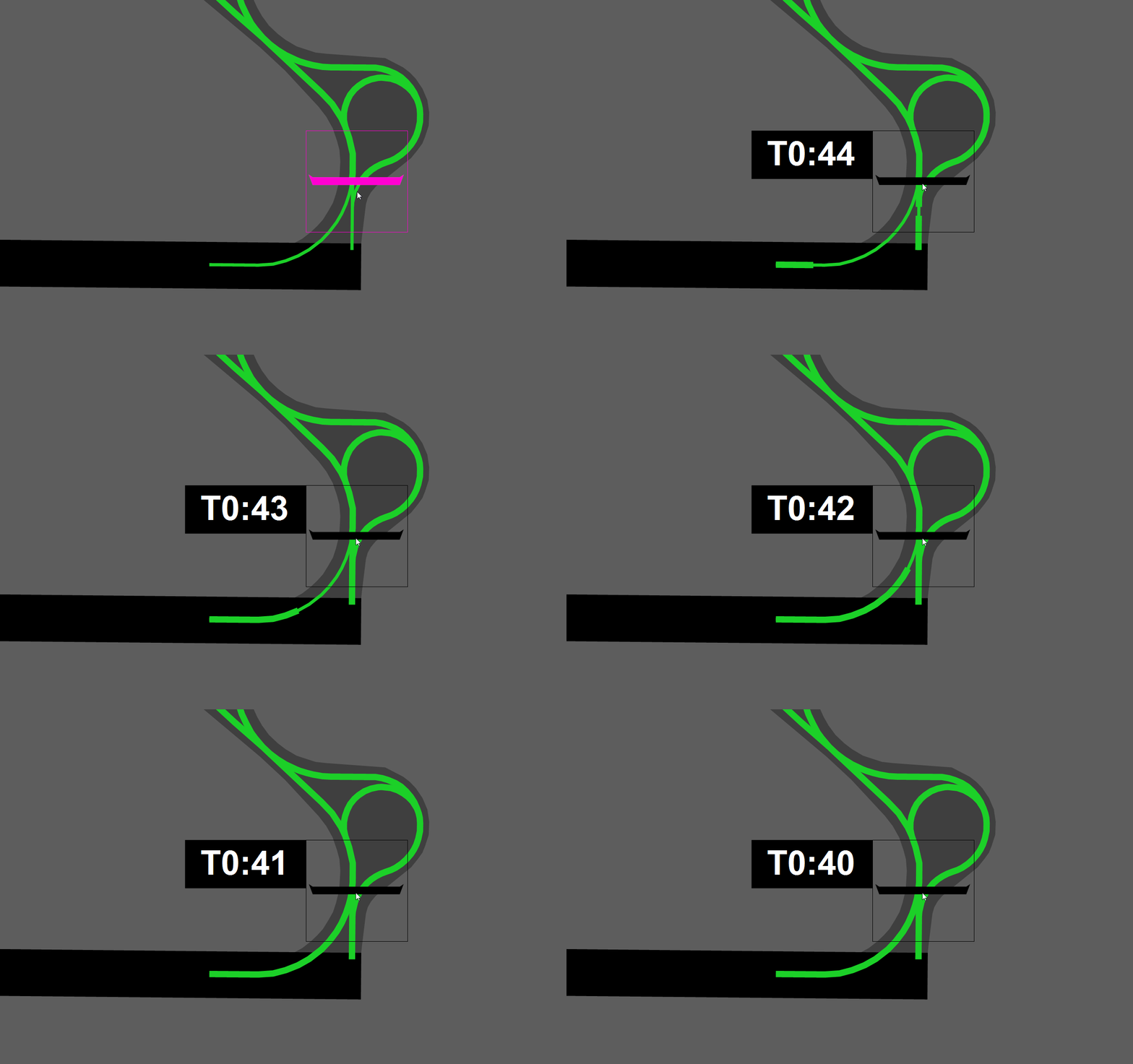
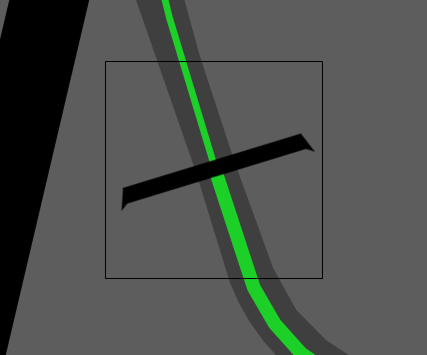
Left clicking a stopbar turns it off with a visible 45 second reactivation countdown. When the countdown reaches zero, the stopbar automatically returns to the on state.
Click on the stopbar you want to toggle using your **left mouse button**.
The reactivation countdown appears to the left of the stopbar, displayed as **"T0:45"**
## Stopbar Controls
### Standard Toggle (Left Click)
Left clicking a stopbar turns it off with a visible 45 second reactivation countdown. When the countdown reaches zero, the stopbar automatically returns to the on state.
Click on the stopbar you want to toggle using your **left mouse button**.
The reactivation countdown appears to the left of the stopbar, displayed as **"T0:45"**
 ### Permanent Toggle (Right Click)
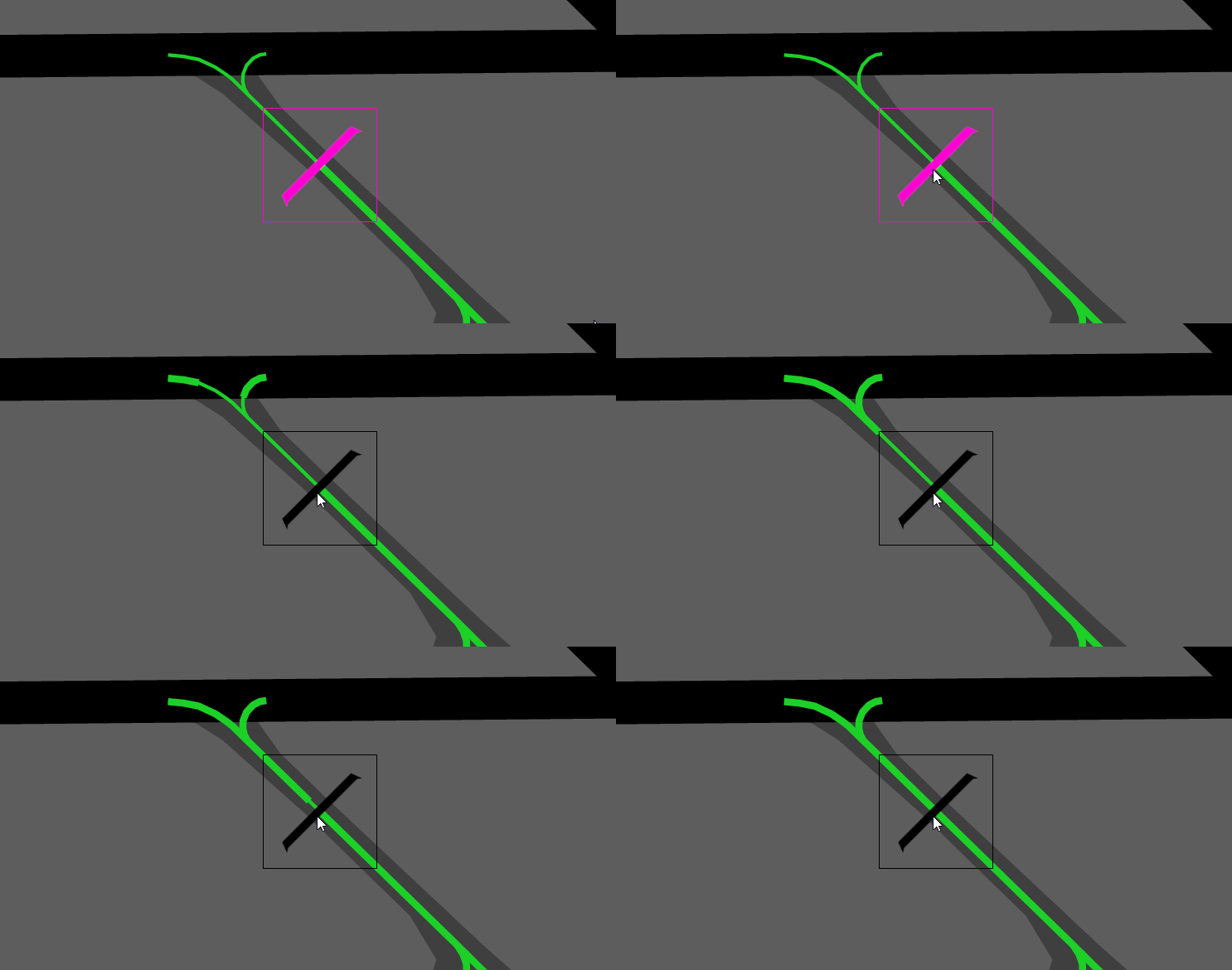
Right clicking a stopbar turns it off without a reactivation timer. The stopbar **remains off** until you activate it again yourself. It will **not** auto-reactivate after 45 seconds.
### Permanent Toggle (Right Click)
Right clicking a stopbar turns it off without a reactivation timer. The stopbar **remains off** until you activate it again yourself. It will **not** auto-reactivate after 45 seconds.
 ## Stopbar States
| State | Appearance |
| ------- | ---------- |
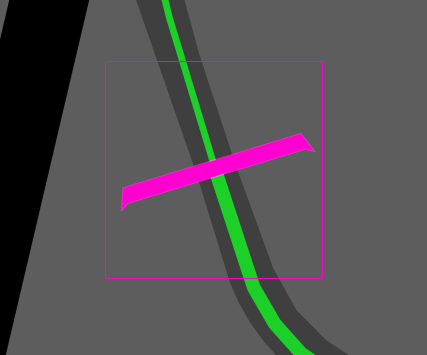
| **On** | Pink |
| **Off** | Black |
## Stopbar States
| State | Appearance |
| ------- | ---------- |
| **On** | Pink |
| **Off** | Black |
 ## Additional Features
### Windsock Indications
In the real world, each runway end has its own wind detector to provide accurate wind information for that specific runway. However, on VATSIM we are limited to a singular wind reading from the METAR.
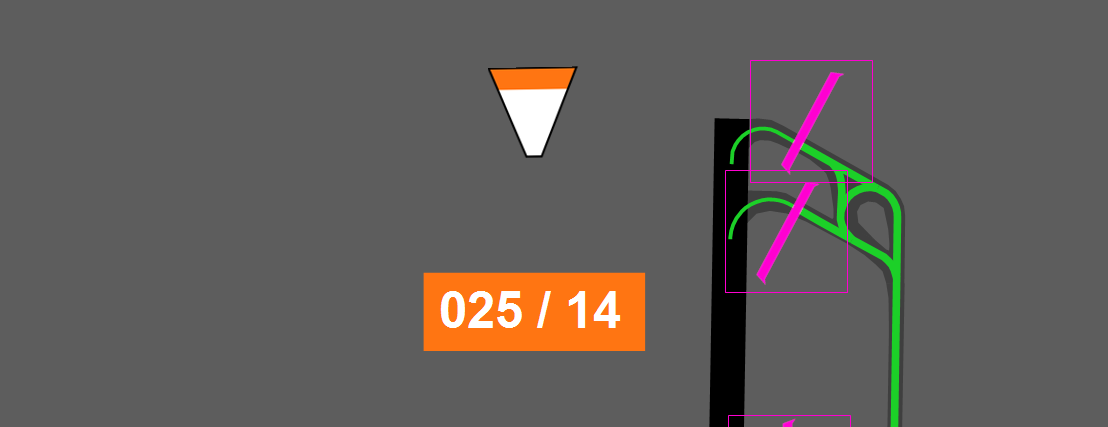
INTAS takes the wind data from the VATSIM METAR and applies basic logic to calculate a fairly accurate runway-specific wind direction and speed for each runway end. The windsock icon is positioned based on the real world location of that airport's windsocks, and will rotate and animate based on the calculated wind direction.
## Additional Features
### Windsock Indications
In the real world, each runway end has its own wind detector to provide accurate wind information for that specific runway. However, on VATSIM we are limited to a singular wind reading from the METAR.
INTAS takes the wind data from the VATSIM METAR and applies basic logic to calculate a fairly accurate runway-specific wind direction and speed for each runway end. The windsock icon is positioned based on the real world location of that airport's windsocks, and will rotate and animate based on the calculated wind direction.
 #### Windsock Warnings
As part of the wind calculations, INTAS displays orange warnings on the windsock direction and knots reading when either of the following conditions are met:
* **Crosswind** greater than 20 knots
* **Tailwind** greater than 5 knots
#### Windsock Warnings
As part of the wind calculations, INTAS displays orange warnings on the windsock direction and knots reading when either of the following conditions are met:
* **Crosswind** greater than 20 knots
* **Tailwind** greater than 5 knots
 VATSIM only provides a singular wind reading from the METAR with no real runway-specific winds. INTAS attempts to calculate runway-specific wind but this is not 100% accurate. Always refer to your ATIS or VATSIM METAR for official wind information.
### Lead-on Light Animations
Lead-on light animations are a purely visual effect that showcase what the lead-on lights look like for pilots in the simulator. The real world INTAS system includes this feature as part of its suite.
Lead-on light animations are purely visual and have no operational effect for controllers.
VATSIM only provides a singular wind reading from the METAR with no real runway-specific winds. INTAS attempts to calculate runway-specific wind but this is not 100% accurate. Always refer to your ATIS or VATSIM METAR for official wind information.
### Lead-on Light Animations
Lead-on light animations are a purely visual effect that showcase what the lead-on lights look like for pilots in the simulator. The real world INTAS system includes this feature as part of its suite.
Lead-on light animations are purely visual and have no operational effect for controllers.