
Request division access
1
Email BARS from your division address
Send an email to contact@stopbars.com from your division email address, eg:
@vatpac.org.Ask for your division to be added to BARS. Include your division’s name, your staff position, and your VATSIM CID.2
Wait for setup
The BARS team will set up your division and add the person who first contacted us as its initial Nav Head. That person can then add other staff as Nav Heads or Nav Members.
3
Open division management
We’ll reply when your division is set up. Log in to the BARS website with your VATSIM account, open your account page, and scroll down to Your Divisions, then Click Manage Division.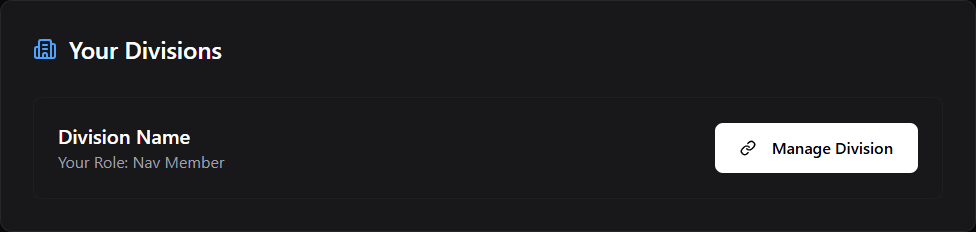
4
Add staff and request airports
Follow Staff and airports, airport access must be approved before you can add lighting data.
Join the division support channels
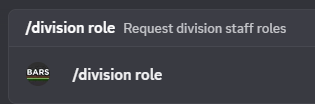
We recommend that your division staff join the BARS Discord server.- Run the BARS Discord Bot’s
/division rolecommand in any channel. - Enter the requested details and proof of your position.
- Wait for the BARS team to review your request and grant access.
Next Steps
Staff and airports
Add your team, choose staff roles, and request the airports your division will maintain.