
What Are Contributions?
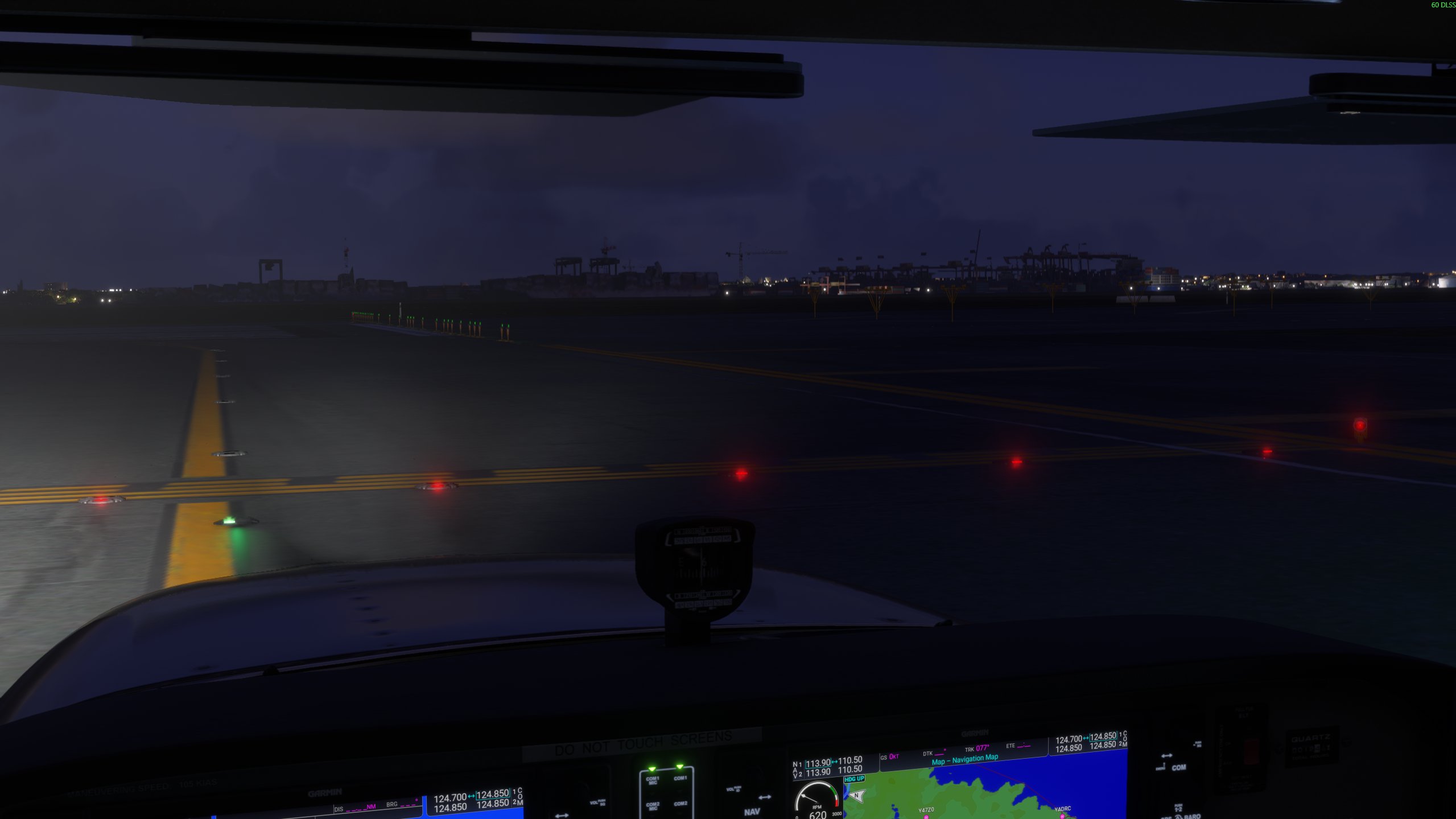
The BARS Contribution System lets you add airport lighting support for default and third-party scenery. Each contribution supports a specific airport and simulator scenery package, making real-time BARS lighting available to pilots using that scenery. Your contributions help:- Expand global airport coverage - Add lighting support for airports worldwide
- Support multiple scenery packages - Increase compatibility with both default and third-party simulator scenery
The Contribution Flow
1
Choose an airport
Enter its four-character ICAO code.
2
Review the BARS layout
Check the lighting objects supplied by the airport’s division. Each object has a BARS ID.
3
Create a draft
Select the matching MSFS or X-Plane scenery folder. The generator compares the scenery with the division layout and marks anything that still needs manual work.
4
Edit the draft
Correct shapes, add missing objects, adjust source-light removals, and clear validation errors in the browser editor.
5
Test the contribution
Prepare the draft, inspect its map preview, and open it in the BARS Pilot Client for an in-simulator test.
6
Submit for review
Add the scenery name, select the simulator, confirm the acknowledgement, and send the tested draft to the BARS team.
Supported Simulators
- MSFS
- X-Plane
Use the airport package from your MSFS 2024/2020 Community folder. The browser editor is experimental for MSFS, so compare the rendered scenery with the simulator before submitting.
A contribution supports one scenery package and one simulator. Submit a separate contribution for each package or simulator combination.
What the Division Controls
The airport’s division supplies the lighting objects, their BARS IDs, and whether contributions are open. You cannot continue when the division has disabled contributions or has not supplied airport lighting data. Your contribution aligns these objects with the simulator scenery. It does not change the division’s operational lighting configuration.Next Steps
Before you start, check the requirements and prepare your scenery package.Preparation
Check the requirements and prepare to create your contribution.
Discord
Need support getting started? Join our Discord server for help.