Window Navigation
Zooming
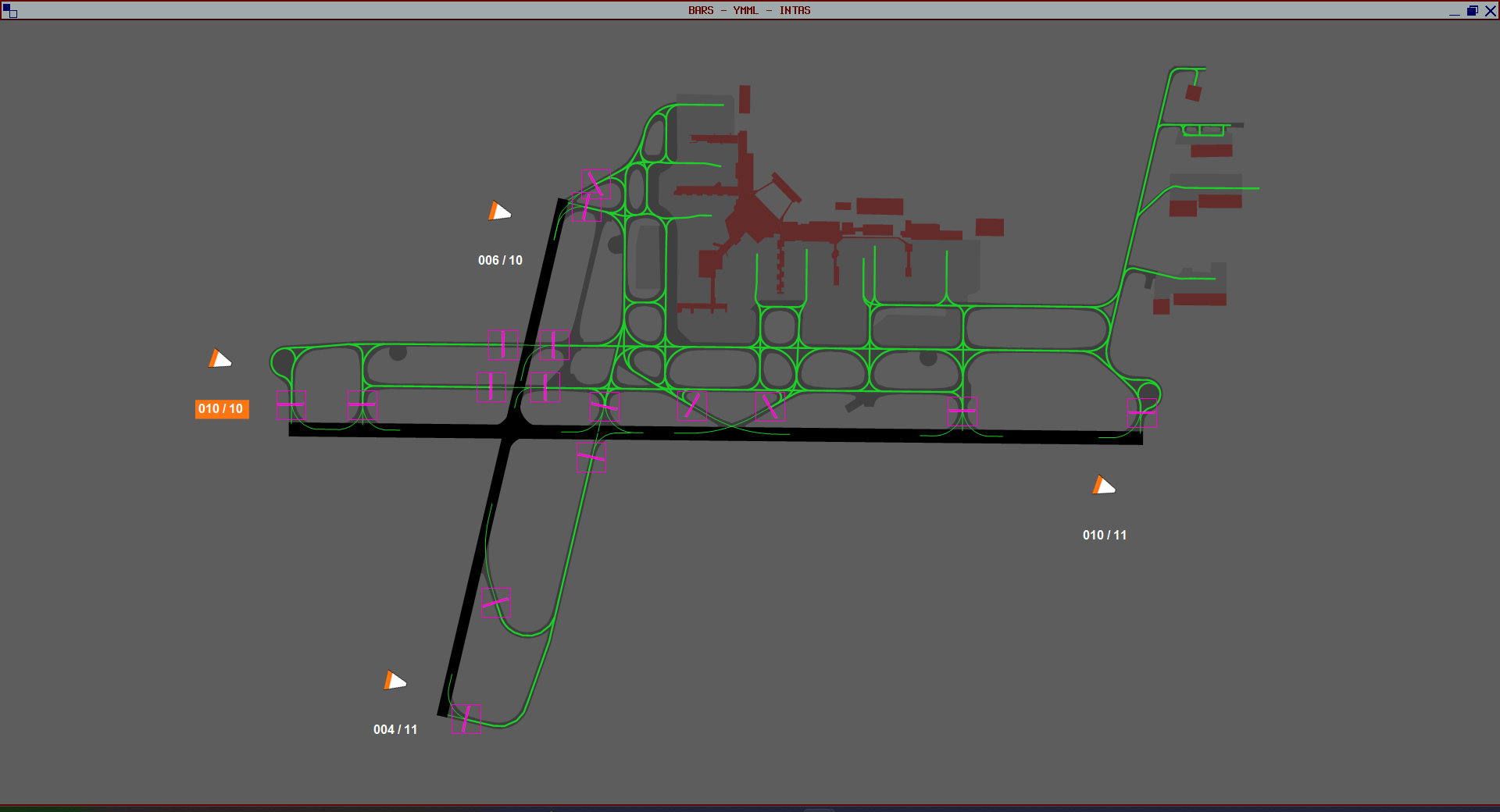
Use your mouse scroll wheel to zoom in and out of the airport layout.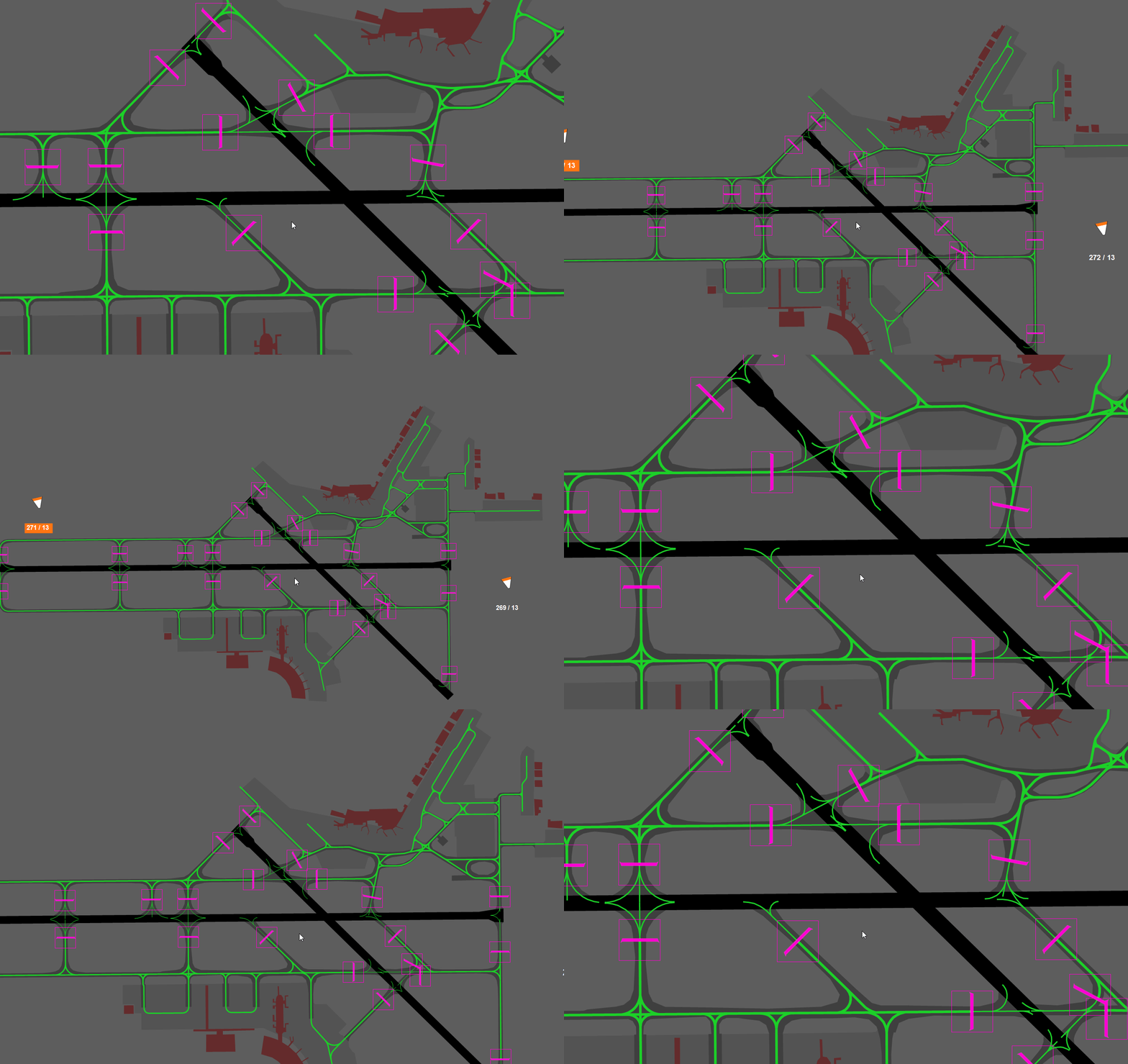
Panning
Hold down your middle mouse button and drag to move around the window.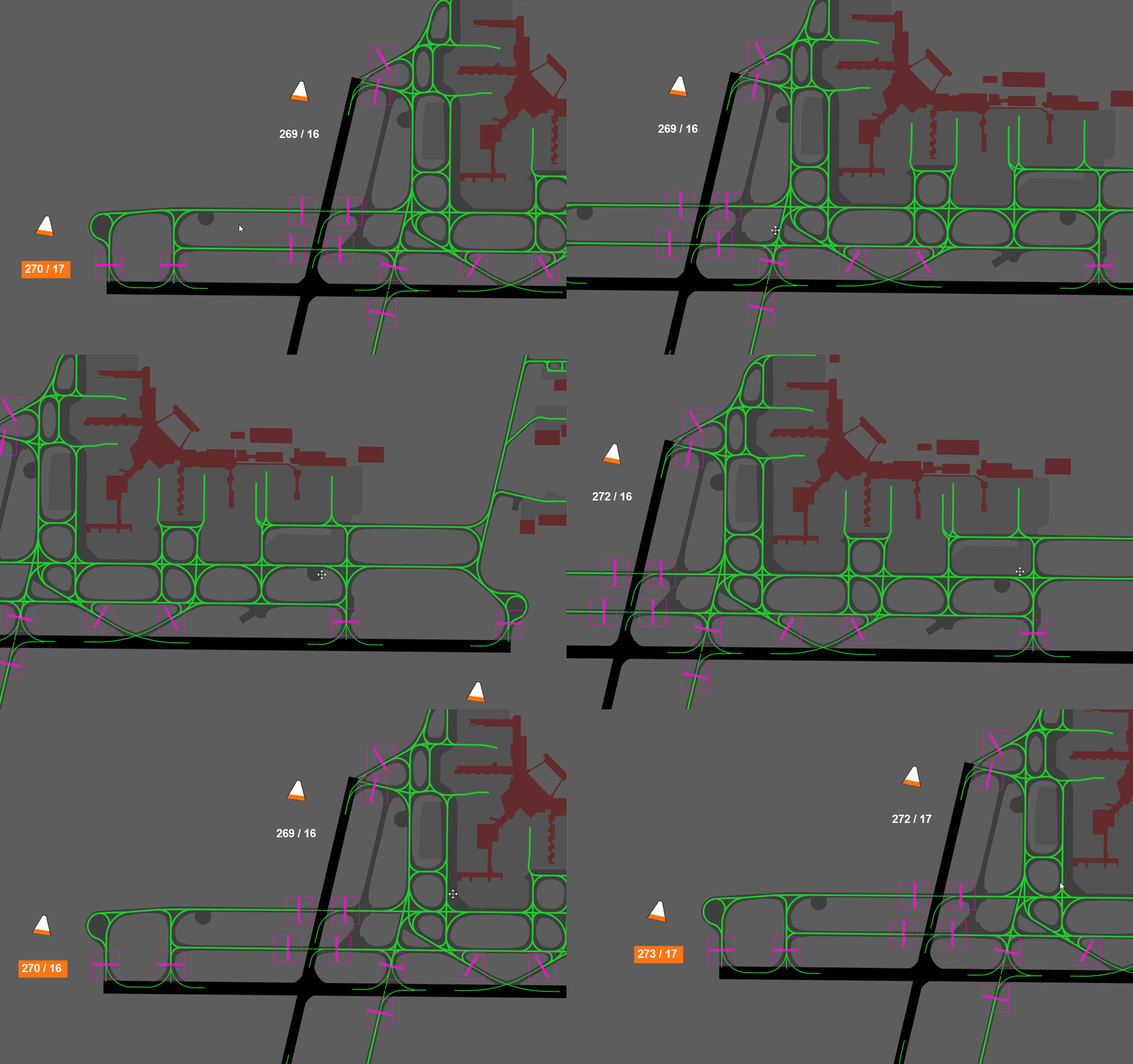
Reset View
Double click your middle mouse button to reset the view to the default zoom and position.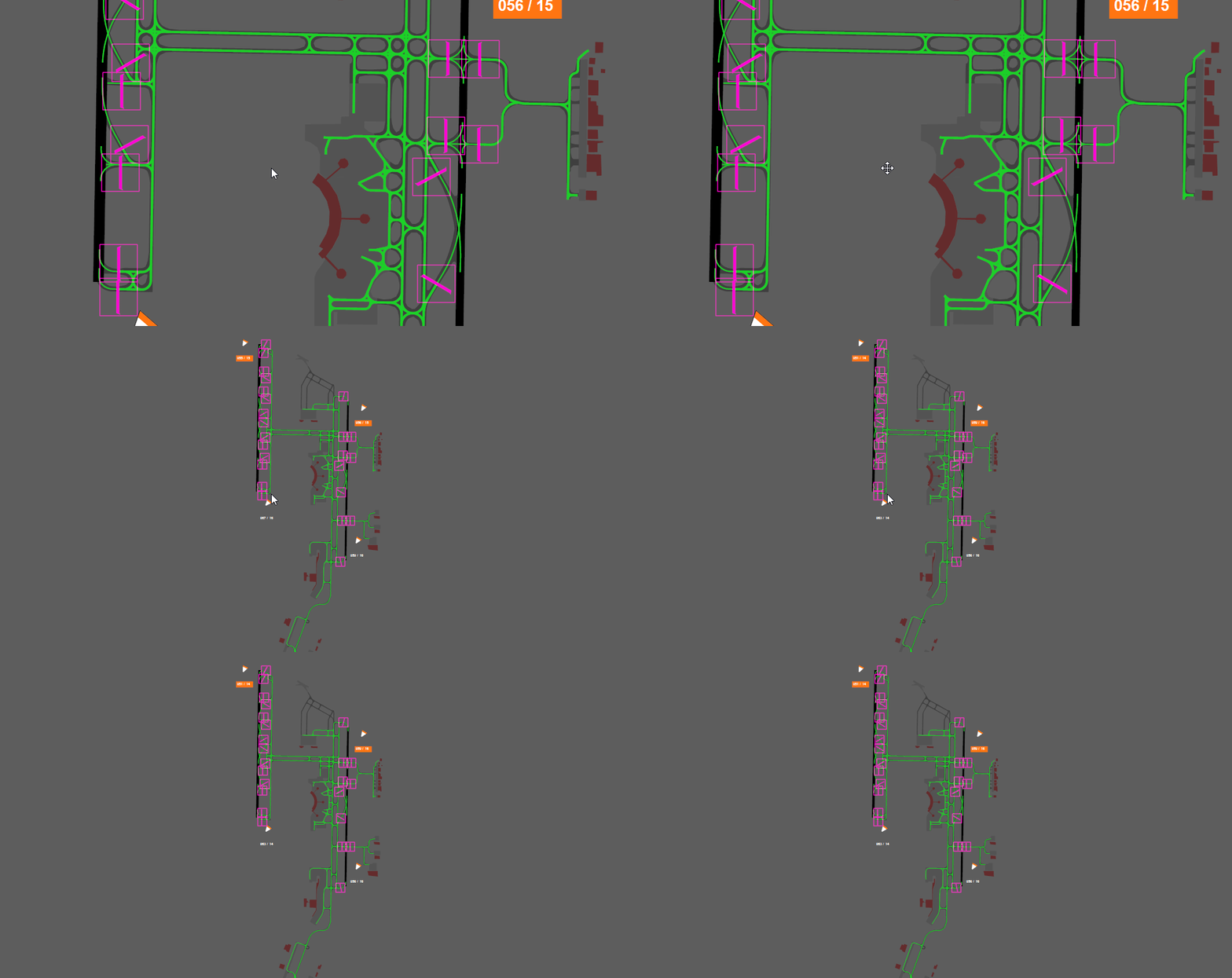
Stopbar Controls
Standard Toggle (Left Click)
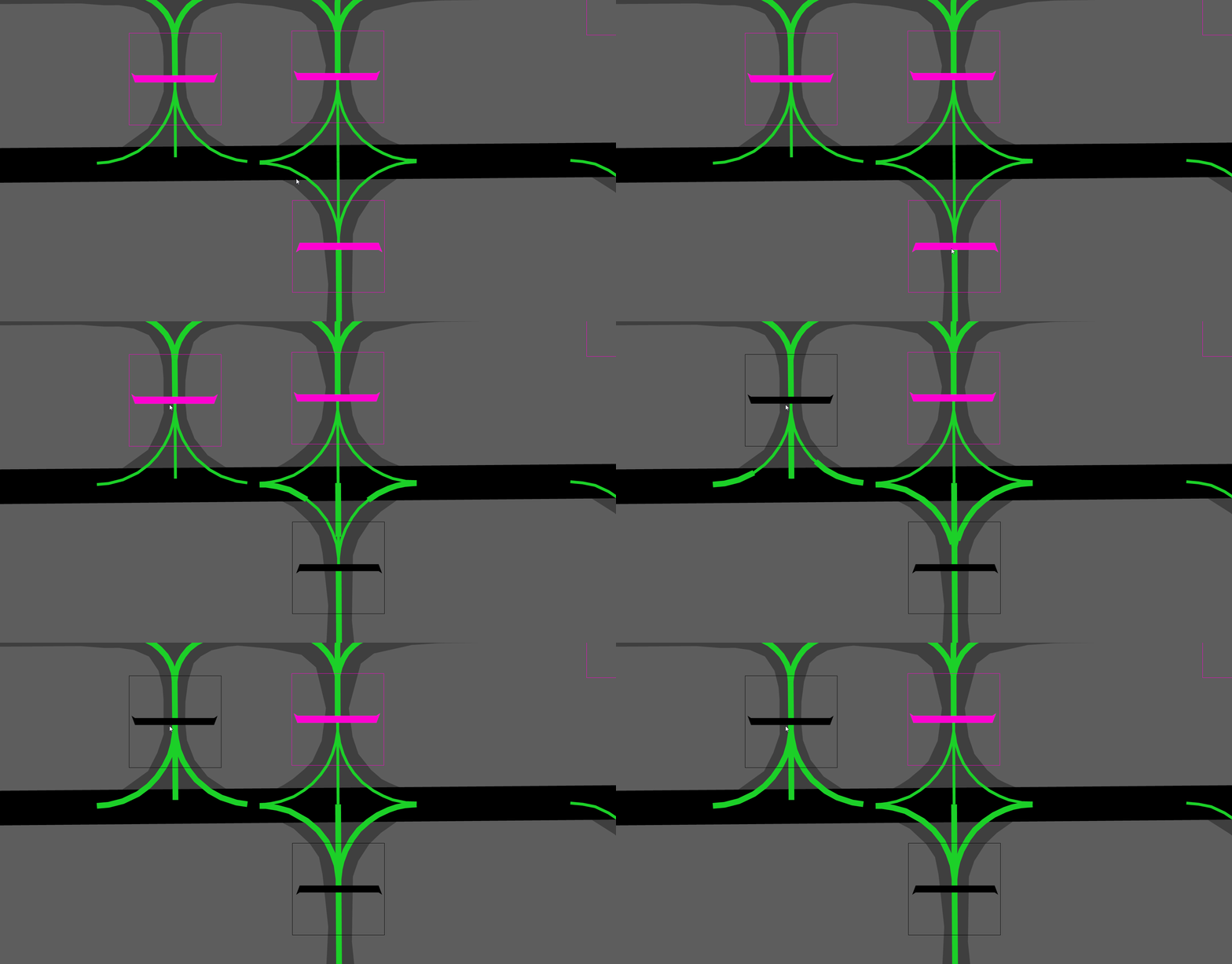
Left clicking a stopbar turns it off with a visible 45 second reactivation countdown. When the countdown reaches zero, the stopbar automatically returns to the on state.1
Left click the stopbar
Click on the stopbar you want to toggle using your left mouse button.
2
Timer begins countdown
The reactivation countdown appears to the left of the stopbar, displayed as “T0:45”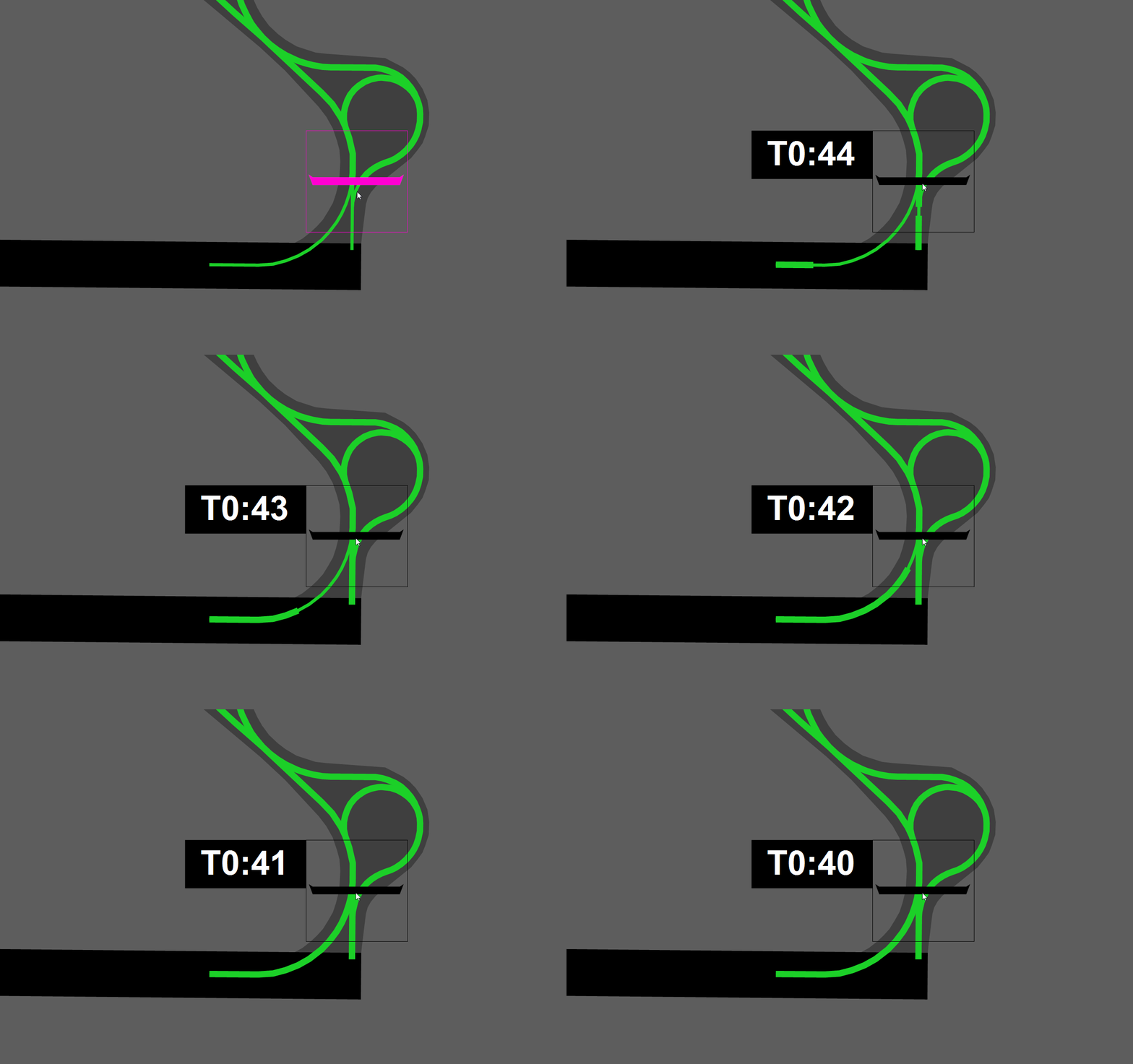
Permanent Toggle (Right Click)
Right clicking a stopbar turns it off without a reactivation timer. The stopbar remains off until you activate it again yourself. It will not auto-reactivate after 45 seconds.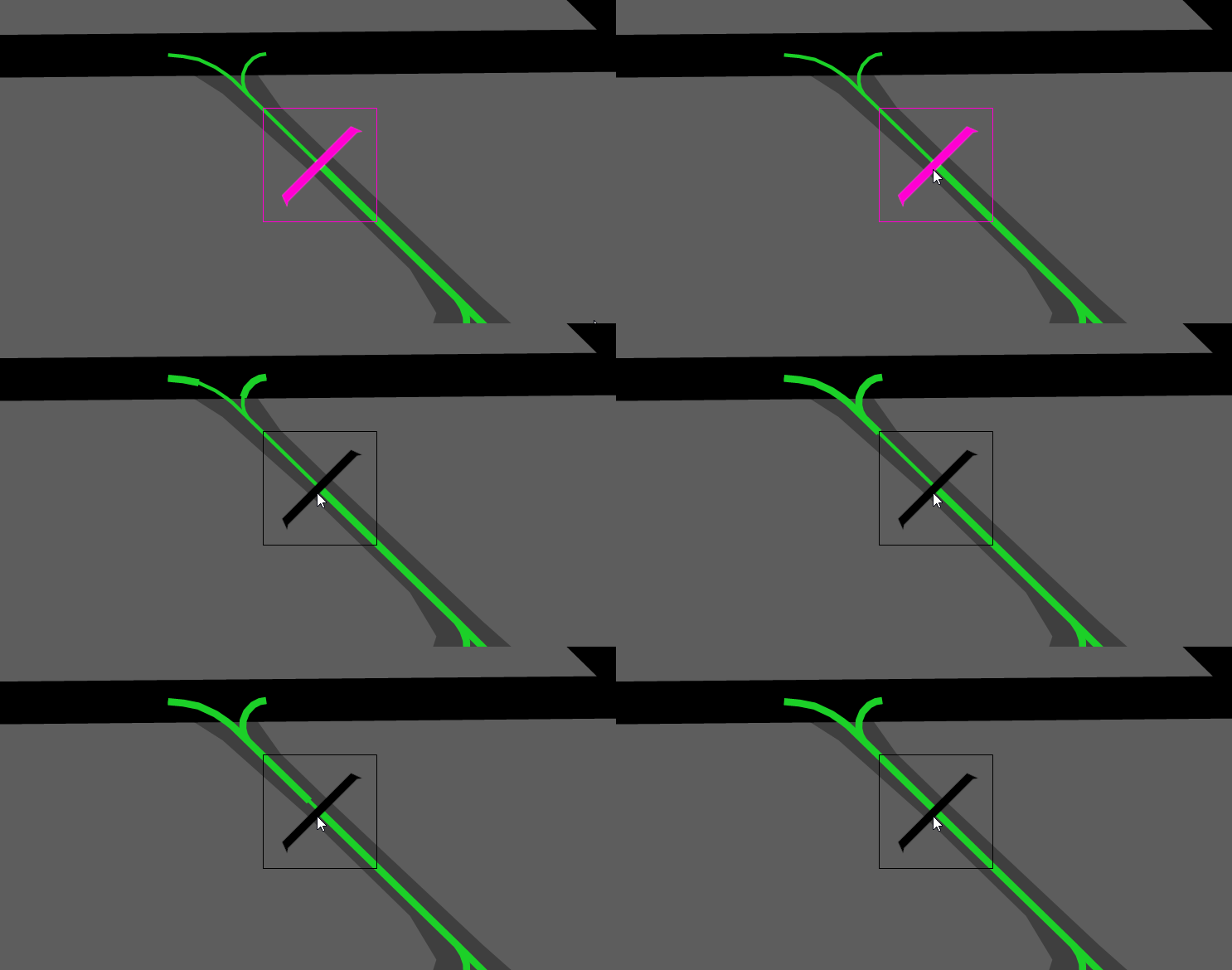
Stopbar States
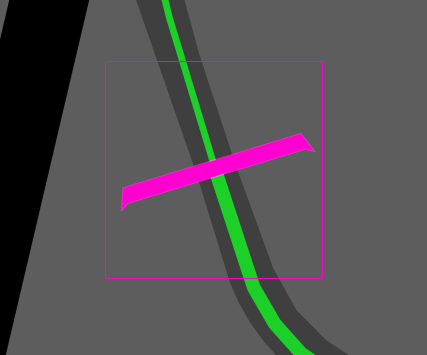
Stopbar On
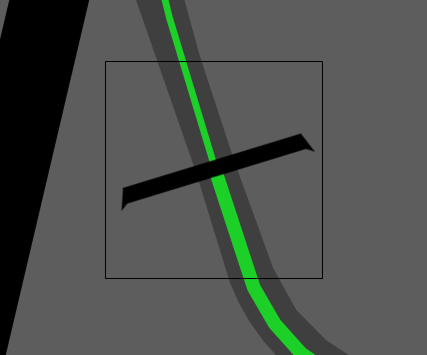
Stopbar Off
Additional Features
Windsock Indications
In the real world, each runway end has its own wind detector to provide accurate wind information for that specific runway. However, on VATSIM we are limited to a singular wind reading from the METAR. INTAS takes the wind data from the VATSIM METAR and applies basic logic to calculate a fairly accurate runway-specific wind direction and speed for each runway end. The windsock icon is positioned based on the real world location of that airport’s windsocks, and will rotate and animate based on the calculated wind direction.
Windsock Warnings
As part of the wind calculations, INTAS displays orange warnings on the windsock direction and knots reading when either of the following conditions are met:- Crosswind greater than 20 knots
- Tailwind greater than 5 knots
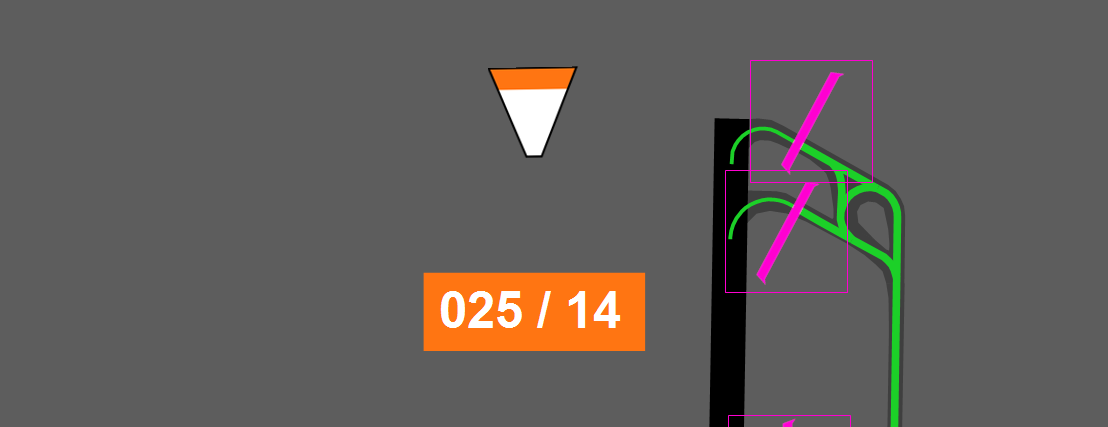
Lead-on Light Animations
Lead-on light animations are a purely visual effect that showcase what the lead-on lights look like for pilots in the simulator. The real world INTAS system includes this feature as part of its suite.Lead-on light animations are purely visual and have no operational effect for controllers.