
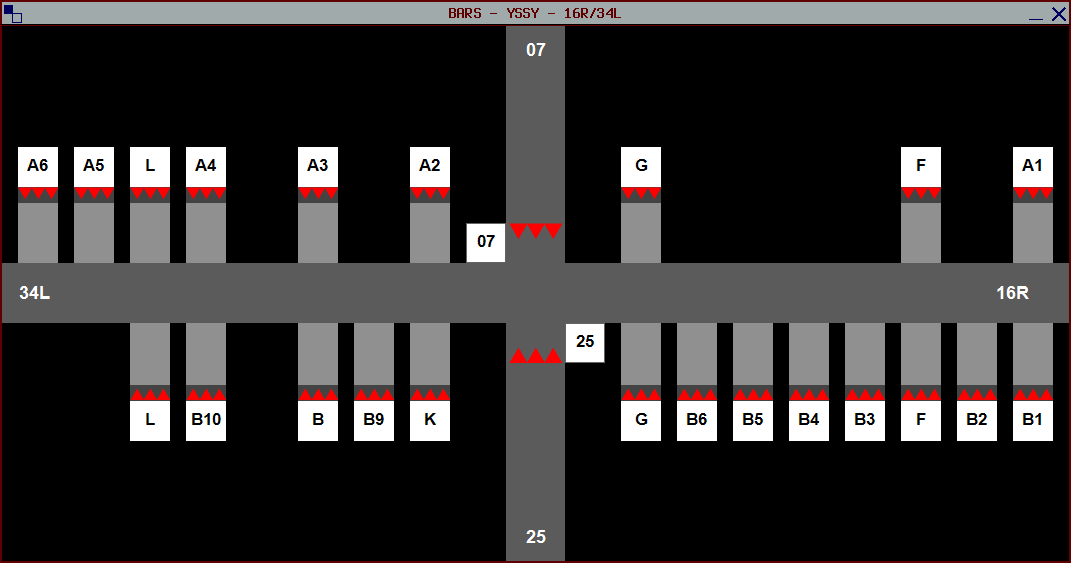
Understanding Shared State
One of the key characteristics of the Legacy profile type is that stopbar states are shared between all controllers using the plugin. Unlike older versions of BARS, you do not “own” or “claim” a runway when managing stopbars. Any controller with the airport configured can toggle any stopbar, and all changes are immediately visible to other controllers and pilots.Stopbar Controls
Toggling Stopbars
To toggle a stopbar, simply left-click or right-click on the stopbar. Both mouse buttons perform the same action.1
Click to toggle
Locate the stopbar you want to toggle in your runway window, then click it using either your left or right mouse button. The stopbar will toggle between on and off states.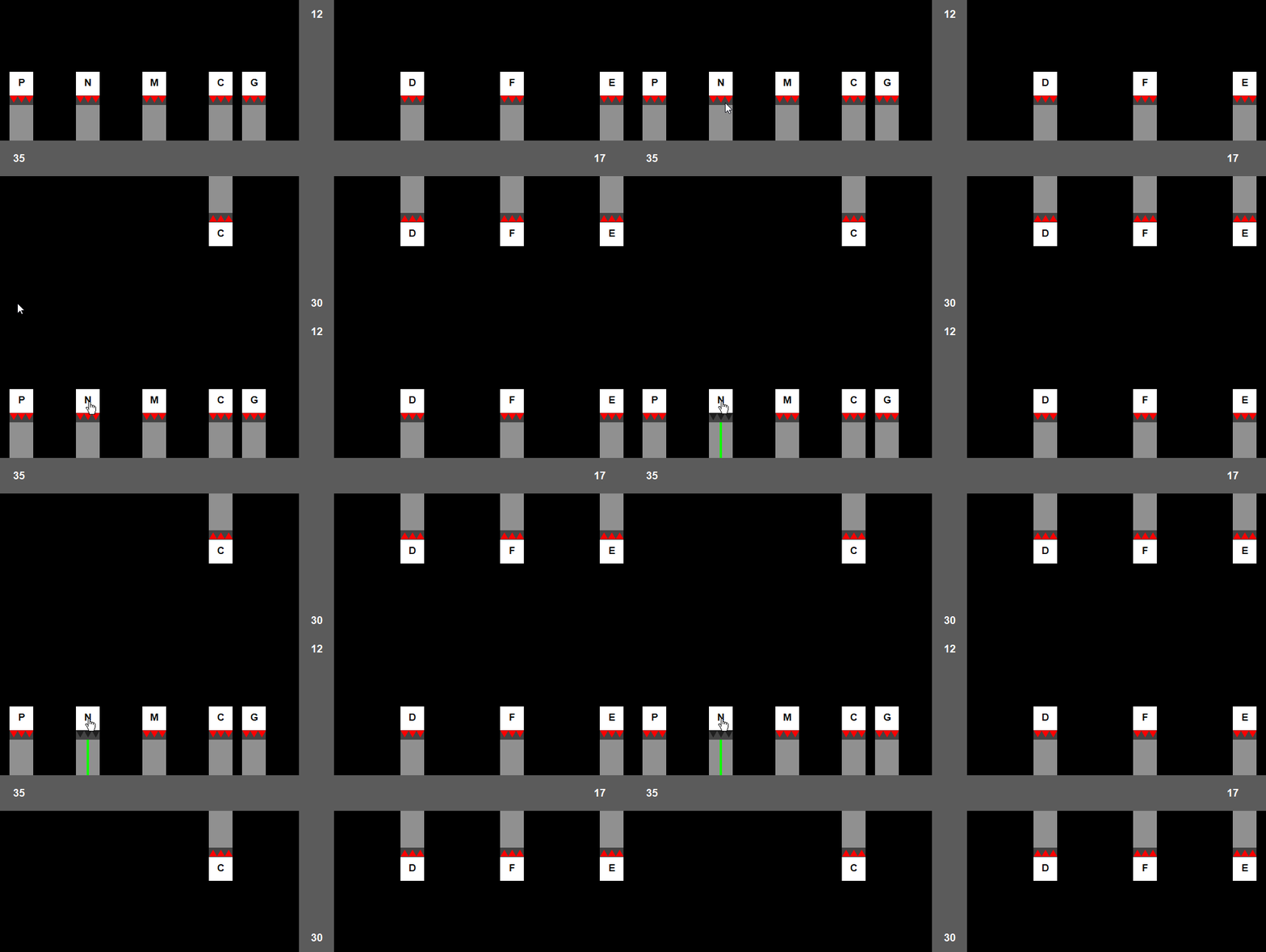
The Legacy profile type does not include a visible reactivation countdown. Stopbars still reactivate automatically after 45 seconds once they have been turned off.
Stopbar States
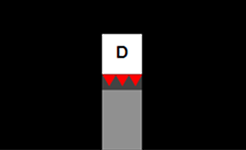
Stopbar On
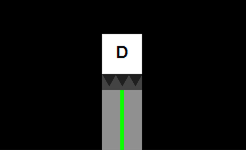
Stopbar Off