
Choose the Scenery Package
- MSFS
- X-Plane
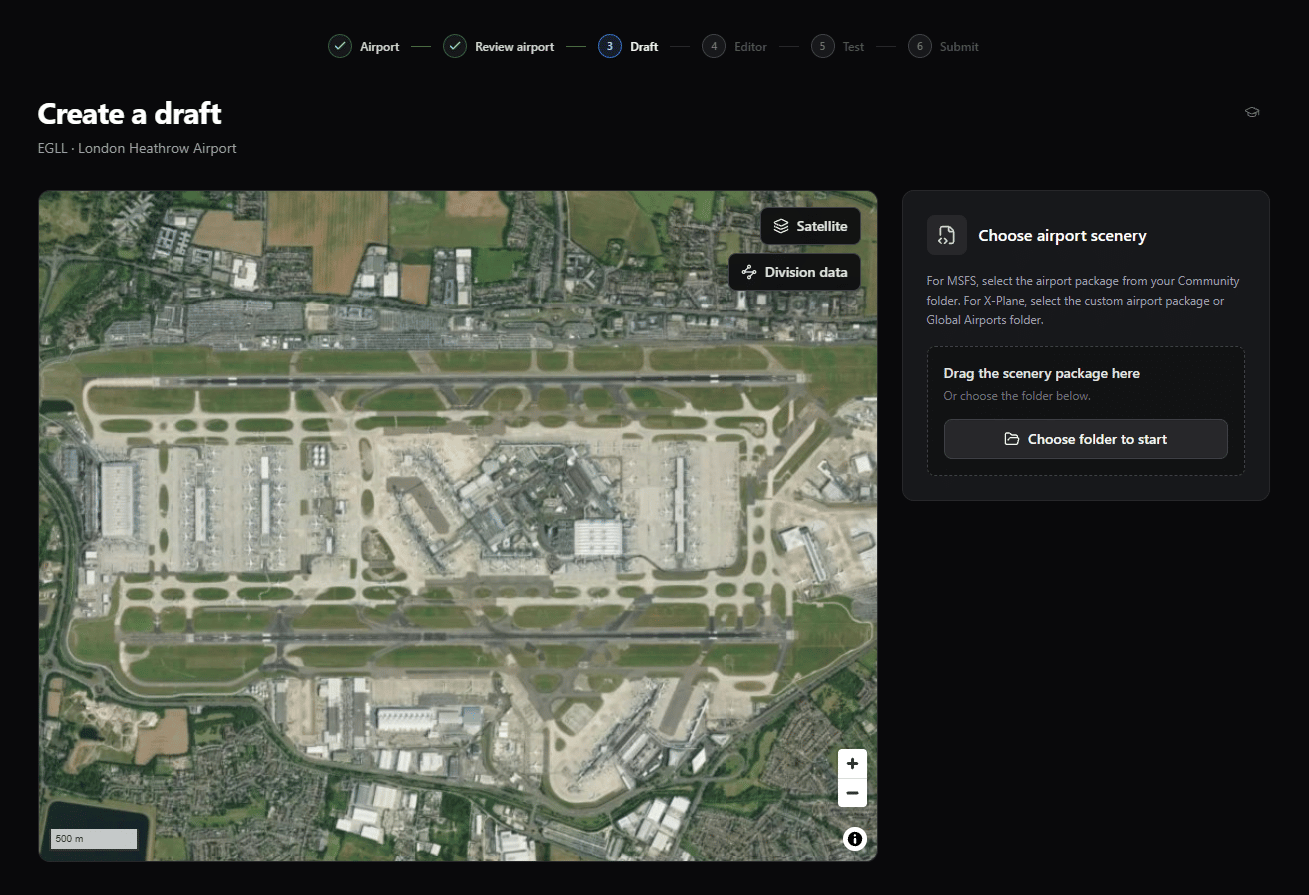
Select or drag the airport package from the Community folder. Choose the package itself, not the whole Community folder. Generation starts after BARS recognizes the package and airport.
Selecting a scenery folder does not upload the scenery files to any BARS server. BARS only uploads the contribution XML when you test and submit it.
Follow Generation Progress
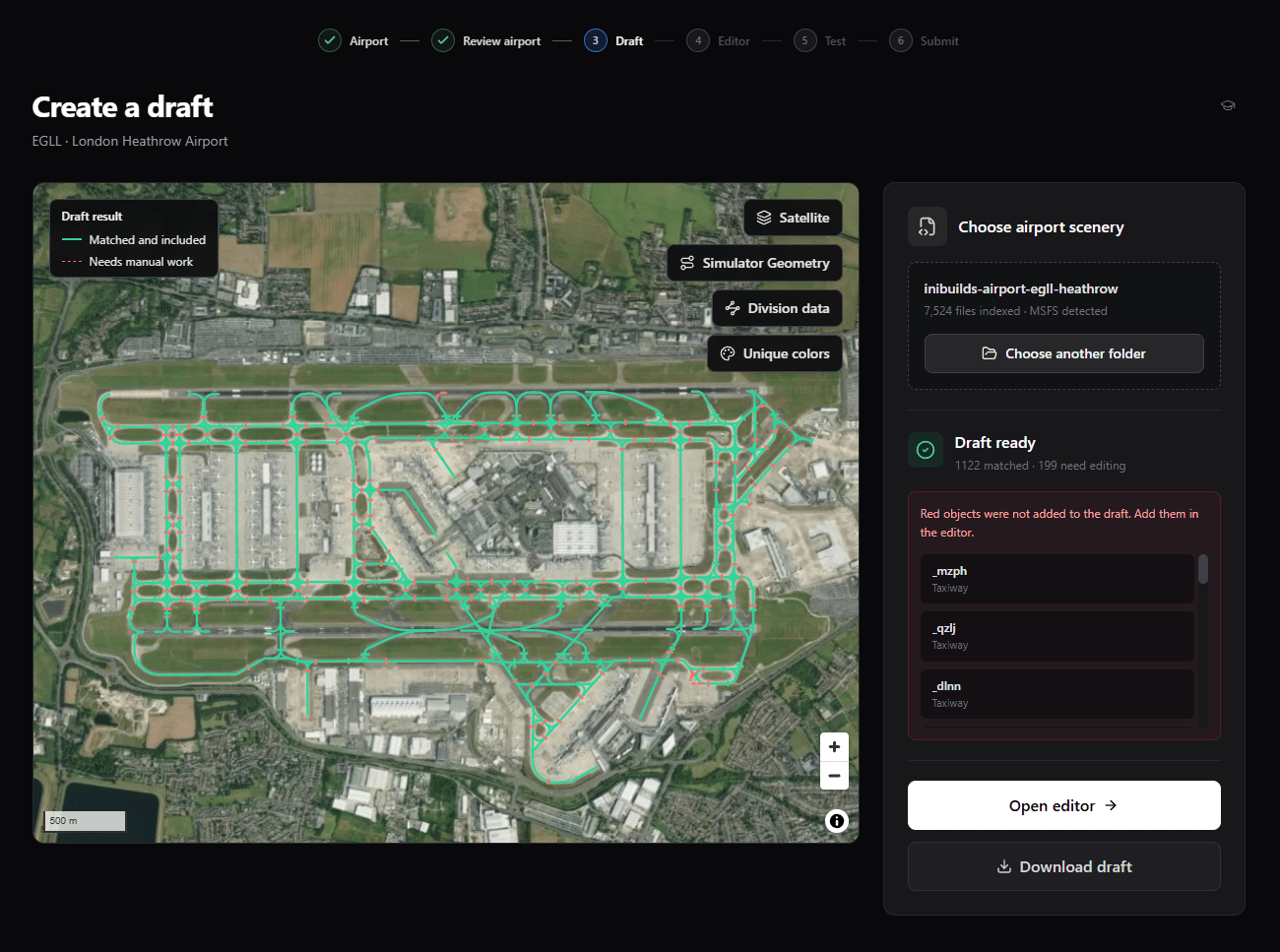
The progress panel shows what BARS is working on while it reads the scenery and matches its lights with the division layout. When it finishes, the map and result panel separate the draft into:- Matched and included objects, shown in green.
- Needs manual work objects, shown with a red dashed line and excluded from the automatic draft.
Inspect the Result Map
Use the Simulator Geometry legend to distinguish the original scenery lights from the shapes BARS included in the draft.
Choose the Next Action
1
Open editor
Continue with the generated draft and the selected scenery source.
2
Download draft
Save the generated XML before editing or move it to another browser or computer.
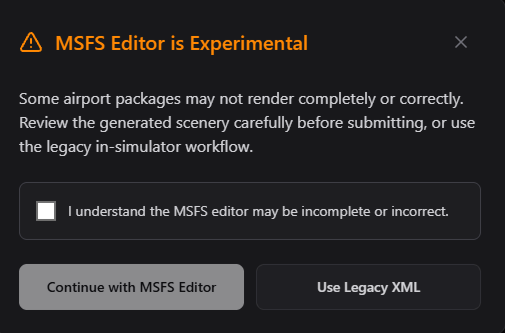
MSFS contributors can continue with the experimental editor or use a legacy XML draft.
Next Steps
Once your draft is ready, open the editor to check and adjust the lighting objects.Editor
Correct geometry, add missing objects, manage removals, and clear validation errors.